Exporting Items
Aspect has the ability to export equipment along with some of their data fields to a properly formatted Microsoft Excel workbook. You can export items through the button on the Tools page of the ribbon bar.
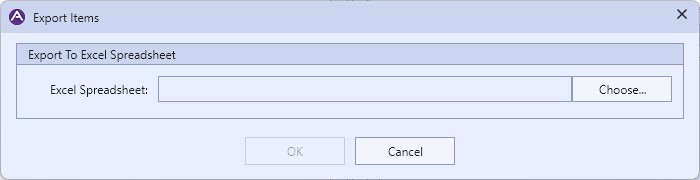
|
The Export Items Dialog |
Aspect will export all of the visible equipment (not in the Recycle Bin) for the active site. The following fields are exported:
- The equipment location path hierarchy, in the same format as described in the Importing Items topic.
- Name
- Description
- Asset ID
- Barcode
- Priority Code
- Manufacturer
- Inspection Frequency
- Equipment Notes (not inspection notes)
Unlike the 10 column restriction on importing item locations, exporting has no such restriction and will export as many location depths as necessary. Note however that the restriction will still apply if the exported Excel document is used to import items back into Aspect.