The New Customer Database Dialog Box
When creating a new customer database, Aspect needs to know two things: where to create the database itself, and where to store all of the assets (typically image files) associated with that database.
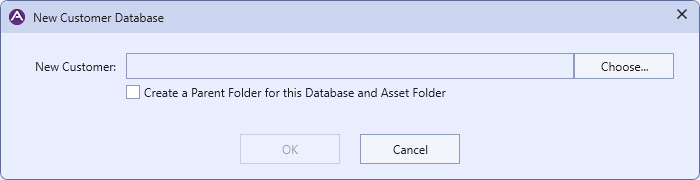
|
The New Customer Database Dialog |
Press the Choose... button in this section to open a file dialog box and pick a name and location for the new customer database. If you want the customer database and its asset folder to be created inside a new folder that contains both of them and is named the same as the customer database, check the option to create a parent folder.