The Report Theme Dialog Box
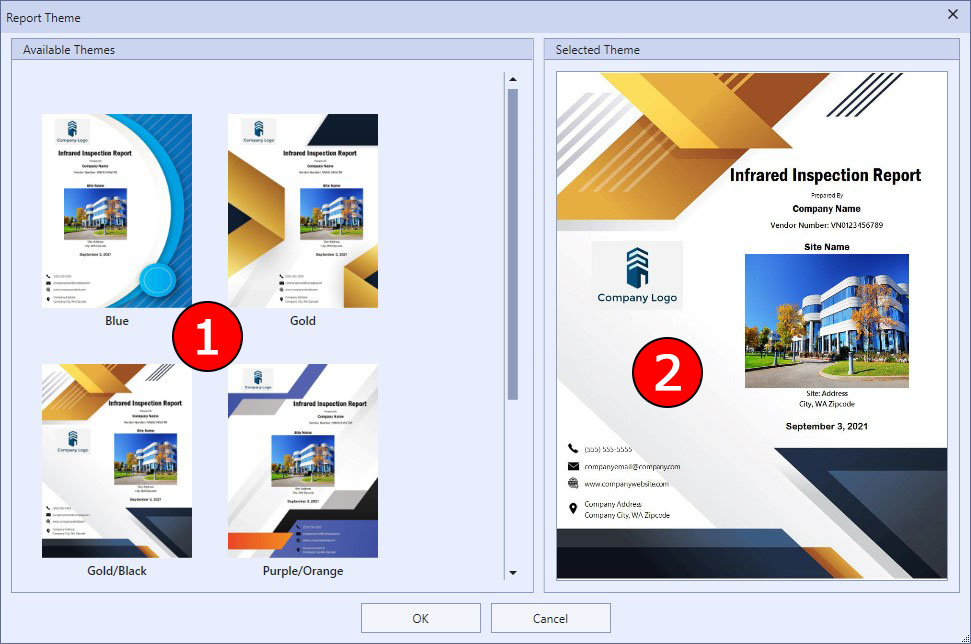
Aspect allows you to choose from several different report themes, which are basically different cover page layouts and color schemes. This dialog box allows you to choose the theme you would like to use.
|
|
The report theme is a global setting, so it will be used regardless of the customer database you have open. |

|
The Report Theme Dialog |
1 Choose the report theme that you want to see a larger preview of in the selected theme section on the right side of the dialog box.
2 A larger preview of the selected theme will appear in this section. If you click OK, this will become the chosen report theme.